App Setup
Centerpoint Community Church
Centerpoint in your pocket.
One link takes you to the correct app store for your device. Install Church App - Tithe.ly, and it will connect you with Centerpoint Community Church automatically.
- Apple App Store
- Google Play
- Automatic church setup
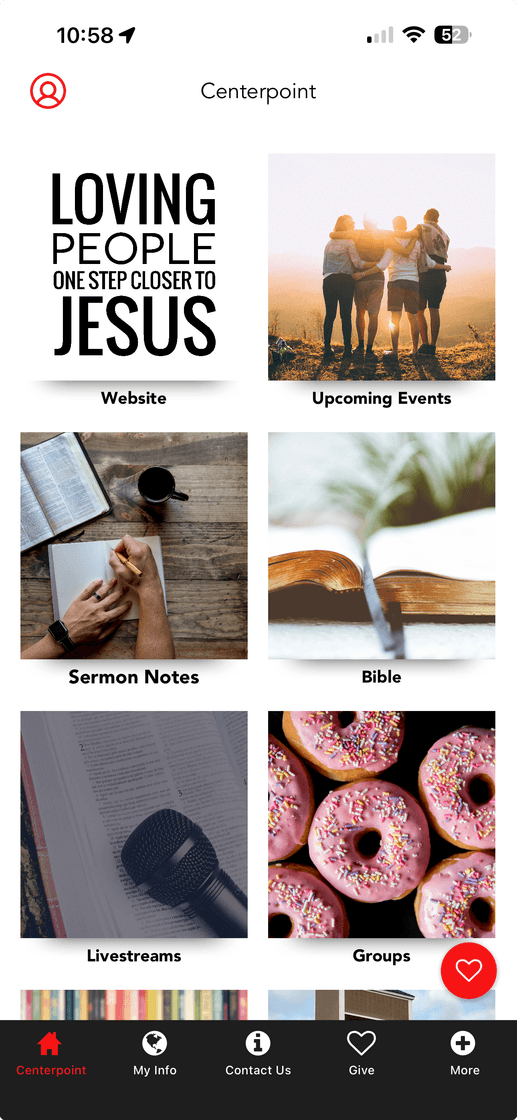
Install in three easy steps
Use the button when you are already on your phone, or scan the QR code when viewing this page on a computer or another device.
-
Open the install link
Tap Install the App on your phone, or open your phone's Camera app and point it at the QR code.
-
Download Church App - Tithe.ly
Your device will open the Apple App Store or Google Play. Tap Get or Install and wait for the download to finish.
-
Open Centerpoint
Open the app when installation is complete. The link will configure the app for Centerpoint Community Church. Allow notifications if you would like to receive church updates.
Already have the app?
Tap the install link anyway. It should open Church App - Tithe.ly and connect it with Centerpoint Community Church.
If the store does not open
Open this page in Safari or Chrome and try again. If needed, install Church App - Tithe.ly, return here, and tap the link once more to finish the Centerpoint setup.